

- Up to 1080p
Resolution
- Up to 15s
Clip length
- 24 fps
Frame rate
- Native, synced
Audio
About Seedance 2.0
Seedance 2.0 is ByteDance's most advanced video generation model, and what sets it apart is that it treats a generation as a directed sequence rather than a single locked shot. From one prompt it can cut between multiple camera angles, hold real-world physics through fast motion like sports and dancing, and lay down synchronized audio (sound effects, ambient sound, and lip-synced dialogue) in the same pass. It runs both text-to-video and image-to-video at up to 1080p, with clips from 4 to 15 seconds or an automatic length the model chooses to fit the prompt, across six aspect ratios from 21:9 ultrawide to 9:16 vertical plus an adaptive mode.
For business creative teams, the practical win is that Seedance 2.0 closes the gap between a single clip and an actual edited scene. Multi-shot generation, native audio, and auto-chosen length mean a social ad or product story can come out of one generation with cuts and a soundtrack already in place, rather than as a silent fragment you then assemble in a video editor. It also tends to keep subjects and motion physically believable, which matters for fast-action categories like food, beverage, fitness, and sports. In Masonry, Seedance 2.0 sits alongside image models and the rest of the video lineup, so a team can move from a concept image to a finished, sound-on spot in one workspace, prompting, animating a still, and directing multiple shots without switching tools.
Why teams choose Seedance 2.0
Choose Seedance 2.0 when you want the newest ByteDance video model and the difference between a single shot and an edited scene matters. Multi-shot editing, native audio, and clips up to 15 seconds let one generation produce something close to a finished spot, and the physics quality makes it a strong pick for fast-action work. If you want the same audio quality at lower cost for simpler single-shot clips, Seedance 1.5 Pro is cheaper and produces audio too. Veo 3.1 reaches 4K and chains extensions into much longer films, and Kling 3.0 also generates audio, so compare on resolution ceiling and clip length if those are decisive. Seedance 2.0's edge is getting a multi-shot, sound-on result in one pass at a competitive per-second rate.
What Seedance 2.0 can do
The capabilities that set Seedance 2.0 apart and earn its place in a brief
Multi-Shot Editing in One Generation
A single prompt can direct several shots and angles that cut together as a coherent sequence, so you get an edited mini-scene rather than one static clip, which is the headline advance over earlier Seedance versions.
Native Synchronized Audio
Sound effects, ambient sound, and lip-synced dialogue are generated together with the video in the same pass, at the same cost whether audio is on or off, so your spot arrives sound-on instead of as a silent draft.
Real-World Physics and Motion
Motion holds together through demanding action like sports, dancing, collisions, and pouring liquids, where weaker models flicker or distort, making it dependable for fast-action food, beverage, and fitness creative.
Clips Up to 15 Seconds with Auto Length
Generate from 4 to 15 seconds, or set duration to automatic and let the model pick a length that fits the prompt. The 15-second ceiling leaves room for a full multi-shot beat in a single clip, longer than the 12-second cap on earlier versions.
Director-Level Camera Control
Camera intent described in the prompt (pans, push-ins, tracking, orbits, angle changes) carries into the output, giving you cinematic framing and movement without manual keyframing.
Image-to-Video with Start and End Frames
Animate a still image as the opening frame, and optionally set an ending frame so the clip transitions between two images, useful for bringing product shots or brand stills to life on a controlled path.
Where teams reach for Seedance 2.0
- Social video ads that need cuts and sound in a single generation, not a silent clip to assemble later
- Multi-shot product stories that move from a wide establishing shot to a close-up of the product
- Vertical 9:16 spots for TikTok, Instagram Reels, and YouTube Shorts with native audio
- UGC-style and lifestyle ads where realistic motion and ambient sound carry the authenticity
- Animating product photography or brand stills into motion with start-and-end-frame control
- Fast-action categories (food sizzle, beverage pours, sports, fitness) that demand believable physics
- Concept-to-spot workflows that pair an image model with Seedance 2.0 inside one workspace
- Auto-length clips where you let the model pick a duration that fits the prompt
What sets Seedance 2.0 apart
The strengths teams reach for, shown on real renders.
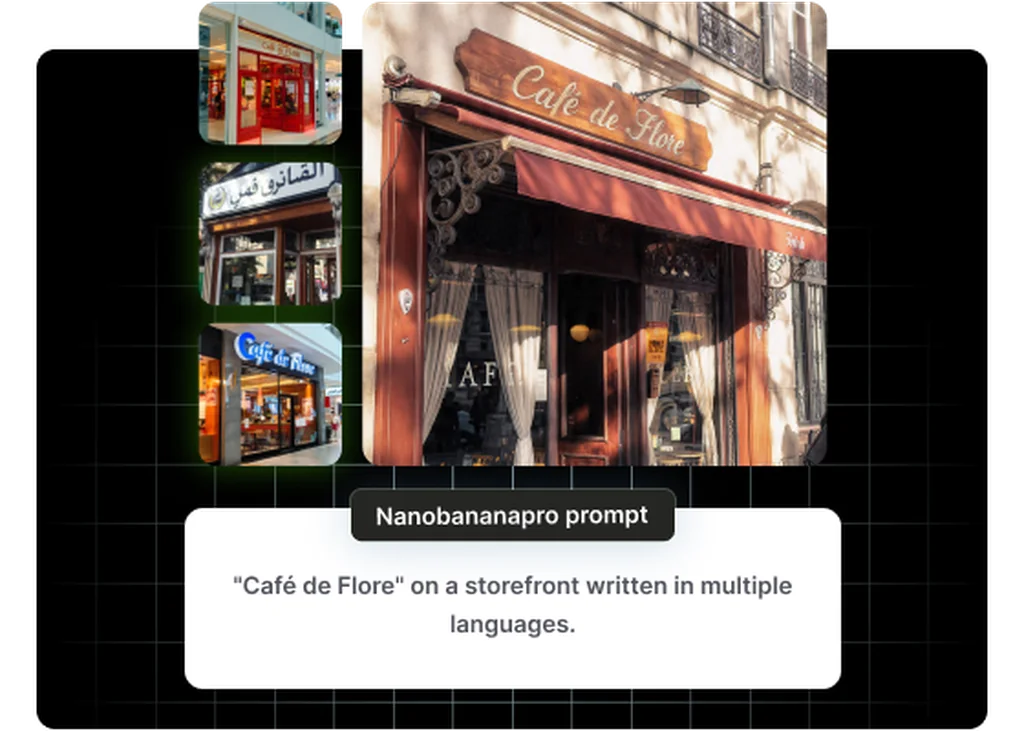
A Multi-Shot Scene from a Single Prompt
Seedance 2.0 can cut between multiple shots and angles inside one generation, so a product story or social ad comes out as an edited sequence with sound already in place, not a single silent clip you assemble afterward.
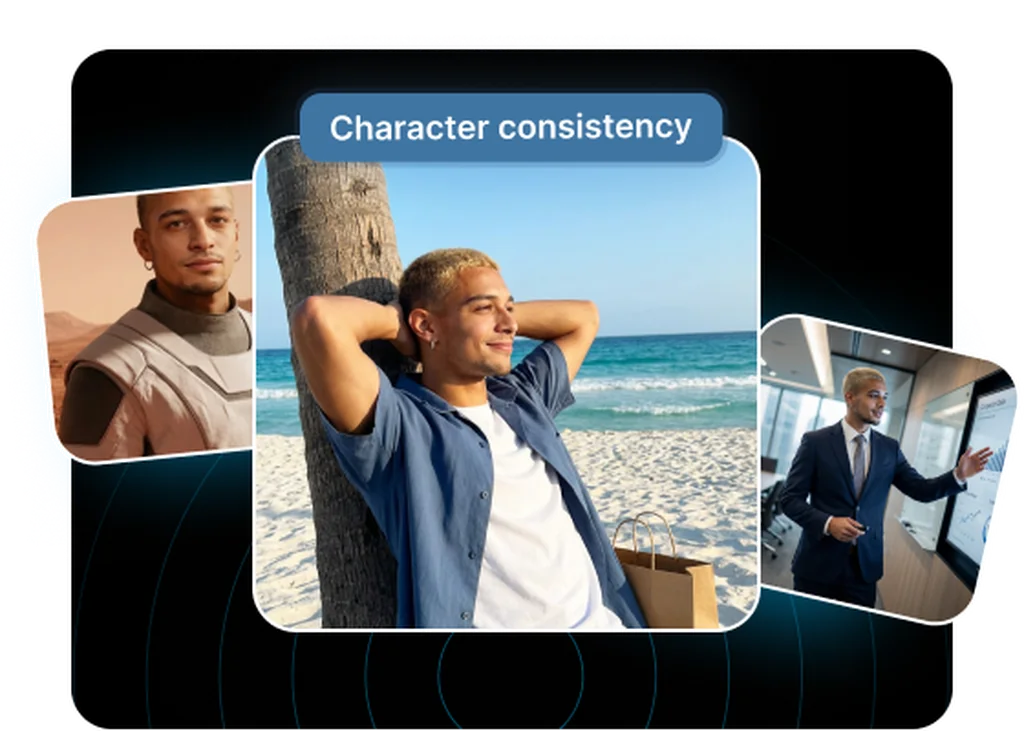
Believable Physics for Fast Action
Motion stays coherent through demanding action like sports, dancing, and pouring liquids, where weaker models flicker or distort. That reliability is what makes it work for food sizzle, beverage, and fitness creative.
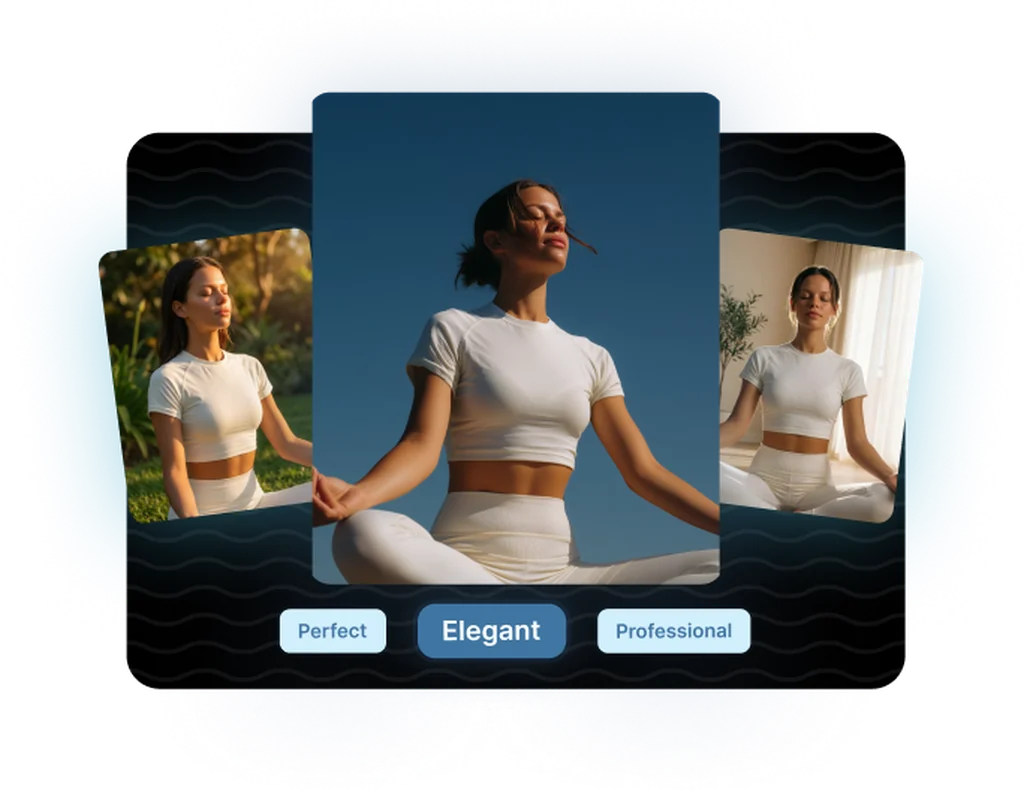
Native Audio at No Extra Cost
Sound effects, ambient sound, and lip-synced dialogue are generated in the same pass as the video, and the price is the same whether audio is on or off, so every spot can arrive sound-on by default.
Frequently asked questions
What teams need to know about creating with Seedance 2.0 in Masonry
What makes Seedance 2.0 different from Seedance 1.5 Pro and 1.0 Pro?
Seedance 2.0 is the newest version, and its defining advances are multi-shot editing (cutting between several shots inside one generation), native synchronized audio, stronger real-world physics, and clips up to 15 seconds. Seedance 1.5 Pro also generates native audio but focuses on strong single-shot clips at a lower cost, and Seedance 1.0 Pro is the cost-efficient earlier flagship that does not generate audio. Pick 2.0 when you want an edited, sound-on sequence from one prompt.
Does Seedance 2.0 generate audio?
Yes. Seedance 2.0 generates synchronized audio (sound effects, ambient sound, and lip-synced speech) in the same pass as the video, and audio is on by default. The per-second cost is the same whether audio is generated or not, so there is no price penalty for sound-on output. You can disable it if you want a silent clip.
What resolutions and aspect ratios does Seedance 2.0 support?
Seedance 2.0 generates at 480p, 720p, and 1080p, with 720p as the default balance of speed and quality. It supports six aspect ratios (21:9, 16:9, 4:3, 1:1, 3:4, and 9:16) plus an automatic mode that picks a ratio to fit the prompt or input image, covering ultrawide cinematic, standard landscape, square, and vertical social formats.
How long can a Seedance 2.0 clip be?
A single generation runs from 4 to 15 seconds, or you can set duration to automatic and let the model choose a length that fits the prompt. That 15-second ceiling is longer than the 12-second maximum on Seedance 1.5 Pro and 1.0 Pro, which gives a bit more room for a full multi-shot beat in one clip.
What is multi-shot editing in Seedance 2.0?
Multi-shot editing means a single prompt can direct more than one shot, so the model cuts between angles or scenes inside one generation rather than producing a single continuous take. In practice you can describe a wide establishing shot followed by a close-up, and Seedance 2.0 renders both as a coherent edited sequence, which is unusual among text-to-video models.
Can Seedance 2.0 animate an existing image?
Yes. Seedance 2.0 supports image-to-video, animating a still image as the opening frame. You can also supply an ending frame so the clip transitions from the start image to the end image along a controlled path. Input images can be JPEG, PNG, or WebP up to 30 MB, which makes it useful for bringing product photography or brand stills into motion.
How much does Seedance 2.0 cost?
On fal, Seedance 2.0 is billed per second of generated video, roughly $0.30 per second at 720p, with the same rate whether audio is on or off. Cost scales with resolution and duration since pricing is token-based on the output dimensions. Per-second rates change over time, so check current fal pricing for exact figures. Inside Masonry, generation is metered through your workspace.
Is Seedance 2.0 good for fast-motion content?
Yes. Improved real-world physics is one of the model's stated strengths, and it handles demanding motion like sports, dancing, collisions, and pouring liquids while keeping subjects coherent. That makes it well suited to food sizzle shots, beverage pours, fitness, and action-driven social ads where flickering or distorted motion would break the illusion.
How does Seedance 2.0 handle duration and aspect ratio automatically?
Both duration and aspect ratio default to an automatic mode, where the model picks a clip length (up to 15 seconds) and a frame shape that best fit your prompt or input image. You can also set them explicitly, choosing any duration from 4 to 15 seconds and any of the six aspect ratios from 21:9 ultrawide to 9:16 vertical. Auto mode is convenient for quick drafts, while explicit settings give you control when a placement needs a specific format or runtime.
Does Seedance 2.0 do lip-sync for dialogue?
Yes. Its synchronized audio includes lip-synced speech, so when a character speaks the mouth movements track the generated dialogue rather than looking dubbed. This makes it viable for talking-character social content and spokesperson-style spots where spoken audio needs to line up with the visuals.
Can I control the camera in Seedance 2.0?
Yes, through the prompt. Seedance 2.0 offers director-level camera control, so describing pans, push-ins, tracking shots, orbits, and angle changes carries into the generated motion. Combined with multi-shot editing, this lets you direct both how each shot is framed and how the sequence cuts together from a single text description.
Can Seedance 2.0 outputs be used commercially?
Seedance 2.0 is built for commercial creative work like ads, social content, and product video, and Masonry routes generation through fal under its API terms. As with any AI video tool, review the current provider terms for your specific use case, especially for regulated categories or content involving real people's likenesses.
What is the best way to prompt Seedance 2.0?
Describe the scene, the shots and how they cut together, the motion, and the audio you want, since the model generates all of these natively. For multi-shot output, name each shot and its framing (for example a wide establishing shot then a close-up). Including audio intent (ambient, effects, or a line of dialogue) gives you a more complete, sound-on clip in a single generation.
What is Seedance 2.0?
Seedance 2.0 is an AI video generation model from ByteDance, available inside Masonry, the AI creative agent teams use to produce marketing, product, and brand videos.
How does my team use Seedance 2.0 in Masonry?
Open a Masonry canvas, pick Seedance 2.0 from the model selector, and describe the video you need: a product shot, an ad creative, a social post. Masonry generates it, then you refine, edit, and combine Seedance 2.0 with other models in one workspace.
Is Seedance 2.0 free to try?
Yes, you can start generating videos with Seedance 2.0 on Masonry's free tier, then scale up with higher limits and priority processing as your team grows.
How do I write good prompts for Seedance 2.0?
Describe the shots and how they cut together, the motion, and the audio in one prompt. Seedance 2.0 generates multi-shot sequences and synchronized sound natively, so naming each shot and the sound you want gets you an edited, sound-on result in a single pass.
Who makes Seedance 2.0?
Seedance 2.0 is built by ByteDance. Inside Masonry it runs alongside 50+ image and video models, so your team can pick the right one for each brief without switching tools.
Start creating with Seedance 2.0
Generate, edit, and compare across 50+ models in one workspace.
Guides for Seedance 2.0
Prompt walkthroughs and examples from the Masonry blog
Explore more AI models
Compare Seedance 2.0 with other models teams run in Masonry