


- Up to 4K, custom sizes
Output
- 10, square to ultra-wide
Preset sizes
- Up to 10
Input images
- ByteDance
Developer
About SeedDream 4
Seedream 4.0 is ByteDance's image model from September 2025. One model handles both text-to-image and image-guided work: give it a prompt alone, or add up to 10 input images to restage a product, swap a background, combine elements, or carry a style across a set. ByteDance positions it for speed, reporting about 1.8 seconds for a 2K image on its own infrastructure; in Masonry, time per image also depends on queueing and delivery.
In Masonry, Seedream 4 takes 10 preset sizes, from 2048 by 2048 square to a 3136 by 1344 ultra-wide frame, or an exact custom size up to 4K, such as 3840 by 2160. It takes a seed for repeatable results. Each request returns one image; Masonry runs more requests when you ask for several variations.
It suits fast concept rounds, product scenes built from your own photos, and variant sets for ads and listings. For the newer version with the same input limits, see Seedream 4.5; for the strongest in-image text, compare GPT Image 2 or Nano Banana Pro.
Prompts behind these SeedDream 4 images
Actual prompts from SeedDream 4 renders by the Masonry community. Copy any prompt, then remix it into your own creation.


a realistic Vogue magazine cover–style fashion portrait using the uploaded face as the original face reference (100% face identity preservation). A young elegant woman posing confidently, maintaining her original facial features and natural beauty. She is winking with her left eye and making a playful duck-face expression. Both hands are raised, forming a love/heart gesture near her face. She is surrounded by multiple DSLR cameras and smartphones held around her, as if paparazzi and photographers are capturing her from all directions. Some phones show her live image on their screens. Appearance & styling: flawless glowing skin, natural makeup with glossy pink lips, soft blush, subtle highlights. Light brown hair styled in a low, neat updo with a few loose strands. Outfit & accessories: elegant minimalist beige-white strapless evening dress, Louis Vuitton necklace, diamond ring, luxury fashion jewelry. Photography style: close-up to half-body fashion portrait, Vogue editorial aesthetic, cinematic professional studio lighting, soft HDR background, shallow depth of field, realistic skin texture, ultra-detailed, 8K quality. Camera & lens look: professional DSLR look, 85mm lens feel, f/1.8 aperture, crisp focus with smooth background bokeh. Composition: Vogue magazine layout with large bold logo at the top, editorial fashion cover framing, clean and elegant design. Mood & vibe: playful yet luxurious, high-fashion beauty editorial, realistic, not AI-looking, photographed by a professional fashion photographer.


Why teams choose SeedDream 4
Choose Seedream 4 when you want one fast model for both generating and editing, with up to 10 of your own images as input and sizes up to 4K. It is a practical pick for product scenes and variant sets. Move to Seedream 4.5 for the newer version, or to GPT Image 2 or Nano Banana Pro when exact in-image text matters most.
What SeedDream 4 can do
The capabilities that set SeedDream 4 apart and earn its place in a brief
Generation and Editing in One Model
Start from a prompt, or add input images and describe the change, such as a new background, a restaged product, or a combined scene, without switching models.
Up to 10 Input Images
Supply product shots, a style reference, and a scene reference together so the result keeps your real product and look.
Presets or Custom Sizes Up to 4K
Choose from 10 preset sizes, from 2048 by 2048 square to a 3136 by 1344 ultra-wide banner, or set an exact size up to 4K, such as 3840 by 2160.
Built for Fast Rounds
ByteDance built Seedream 4 for speed, which makes it a good fit for concept exploration and variant sets where you review many options.
Repeatable with a Seed
Set a seed to get the same result again, then change one detail in the prompt at a time.
Layout-Aware Scenes
It follows spatial instructions well, such as what sits on the left, what stays in the background, and where to leave empty space for copy.
Where teams reach for SeedDream 4
- Product scenes built from your own product photos
- Background swaps and restaging for e-commerce listings
- Fast concept rounds during campaign development
- Social and display ad variants from one brief
- Combining several product or style images into one composed scene
- Wide banners and hero images with space for copy
What sets SeedDream 4 apart
The strengths teams reach for, shown on real renders.
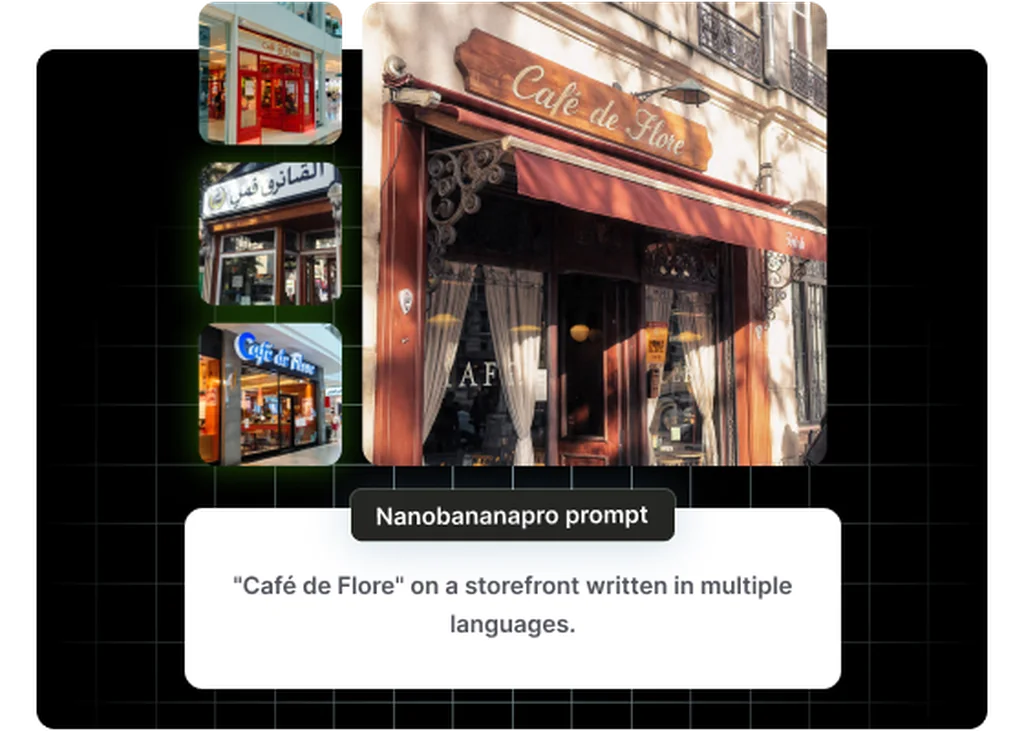
One Model for Create and Edit
Generate from a prompt or edit with your own images in the same model, so a product scene and its background swap stay in one workflow.
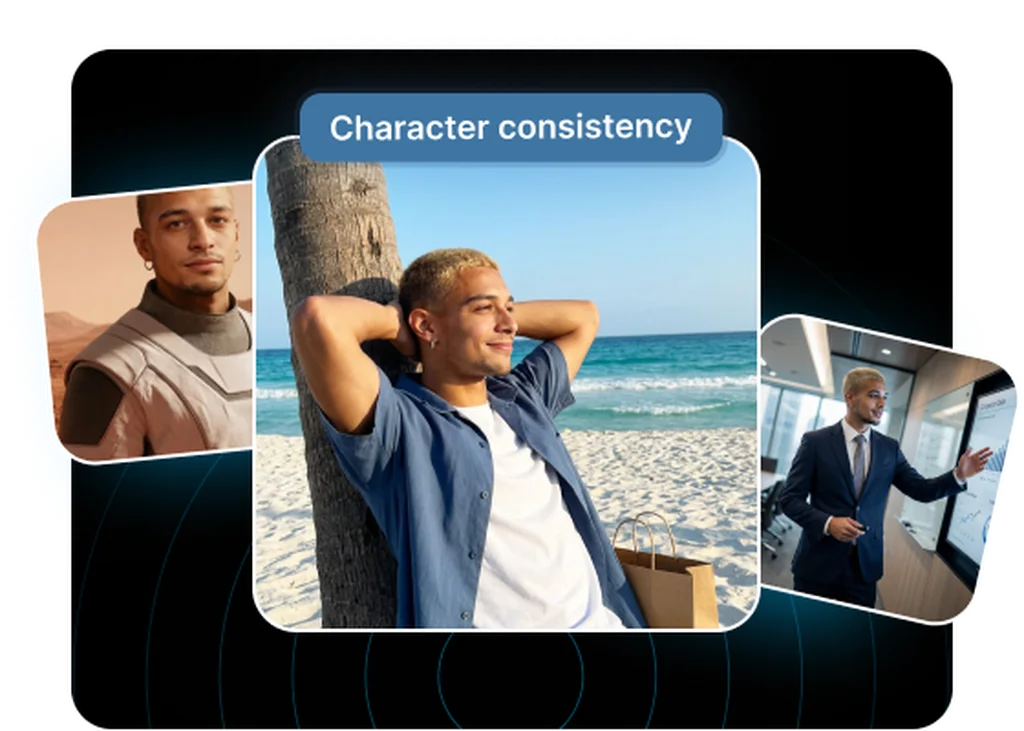
Your Products as References
Add up to 10 input images, such as products, a style, and a scene, and Seedream 4 builds the result around them.
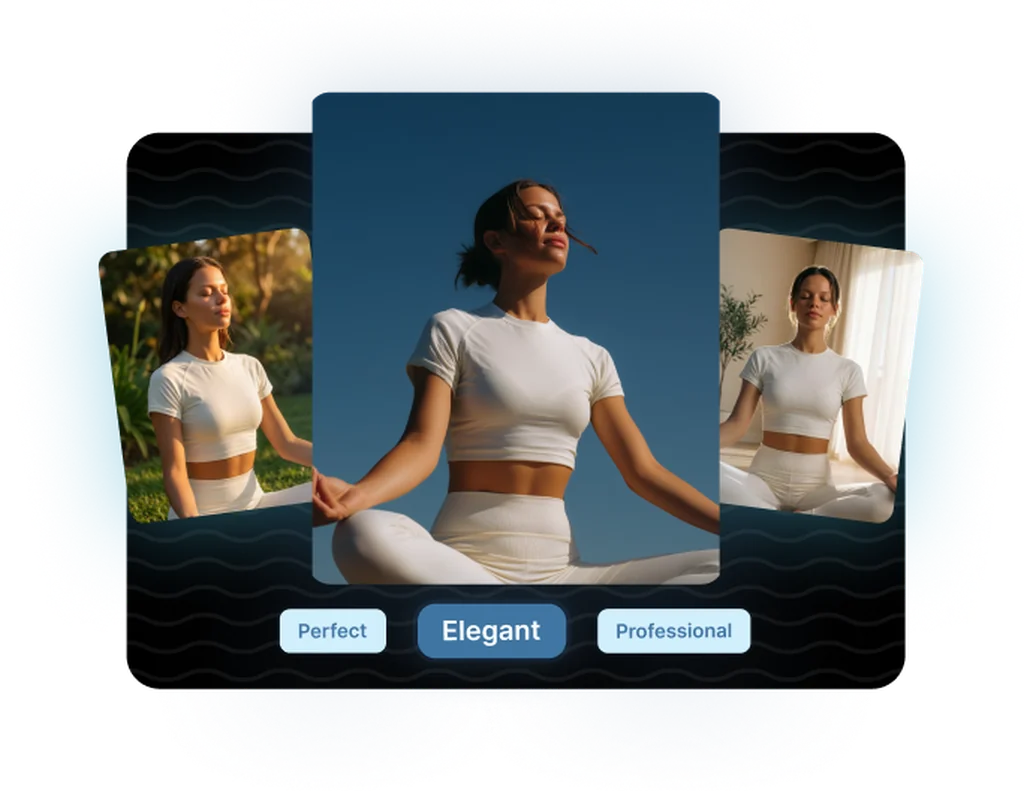
Presets or Exact Sizes
Pick from 10 preset sizes, from square to a 3136 by 1344 ultra-wide banner, or set an exact size up to 4K, so each placement gets its own frame.
Frequently asked questions
What teams need to know about creating with SeedDream 4 in Masonry
What is Seedream 4?
Seedream 4.0 is ByteDance's image model from September 2025. It generates images from text and edits or combines images you supply, in one model.
What resolution does Seedream 4 output in Masonry?
Pick one of 10 preset sizes, from 2048 by 2048 square to a 3136 by 1344 ultra-wide banner, or set an exact size up to 4K. In our test a 3840 by 2160 request came back at exactly 3840 by 2160.
How fast is Seedream 4?
ByteDance reports about 1.8 seconds for a 2K image on its own infrastructure. In Masonry, total time also includes queueing and delivery, so expect a little longer.
How many input images can Seedream 4 use?
Up to 10. Use them for products, a style reference, or a scene to keep, and describe in the prompt what each one is for.
How many images does one request return?
One. When you ask for several variations, Masonry runs a request for each one.
Can Seedream 4 edit an existing image?
Yes. Add the image as an input and describe the change, such as a new background or a different setting. It does not take a mask, so for a change confined to an exact area use a model with mask support, such as GPT Image 2.
How does Seedream 4 compare with Seedream 4.5?
Both take up to 10 input images and share the same preset sizes and 4K ceiling in Masonry. Seedream 4.5 is the newer version; ByteDance positions it for better lighting, texture, and typography.
Is Seedream 4 output cleared for commercial use?
On paid Masonry plans, Seedream 4 outputs can be used commercially, including ads, product pages, and brand assets. Review images that show identifiable people before publishing.
Can I run Seedream 4 from the command line?
Yes. Install the Masonry CLI with npm install -g @masonryai/cli, sign in with masonry login, then run masonry image with your prompt and --model seedream-4.
What is SeedDream 4?
SeedDream 4 is an AI image generation model from ByteDance, available inside Masonry, the AI creative agent teams use to produce marketing, product, and brand images.
How does my team use SeedDream 4 in Masonry?
Open a Masonry canvas, pick SeedDream 4 from the model selector, and describe the image you need: a product shot, an ad creative, a social post. Masonry generates it, then you refine, edit, and combine SeedDream 4 with other models in one workspace.
Is SeedDream 4 free to try?
New Masonry accounts get 50 free credits to try GPT Image 2.5 Flare. SeedDream 4 is included in every paid plan, and the editor shows the exact credit cost before you generate.
How do I write good prompts for SeedDream 4?
Seedream 4 rewards specific, structured prompts. Lead with the subject, then describe lighting, camera, and background separately, and use its editing mode to refine a result instead of re-rolling from scratch. See the prompt gallery on this page for real SeedDream 4 prompts you can copy and adapt.
Who makes SeedDream 4?
SeedDream 4 is built by ByteDance. Inside Masonry it runs alongside 50+ image and video models, so your team can pick the right one for each brief without switching tools.
Can I see examples made with SeedDream 4?
Yes, the prompt gallery on this page shows real images teams have generated with SeedDream 4 in Masonry, each paired with the exact prompt you can copy and adapt for your own brand.
Start creating with SeedDream 4
Generate, edit, and compare across 50+ models in one workspace.
Guides for SeedDream 4
Prompt walkthroughs and examples from the Masonry blog
Explore more AI models
Compare SeedDream 4 with other models teams run in Masonry