

FLUX.2 Klein 9B Base
Black Forest Labs' FLUX.2 [klein] 9B Base makes and edits images with enhanced realism, crisper text, guidance, steps, and up to 4 references. Best for hands-on control.
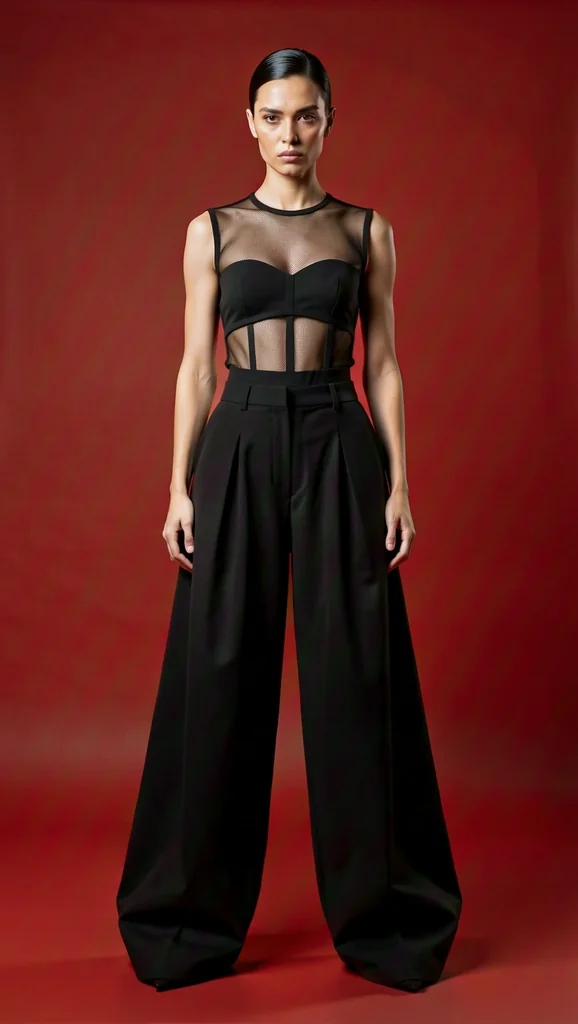

- Text, up to 4 images
Inputs
- 2048 pixels
Max edge
- Guidance, steps, negative prompt, seed
Controls
- PNG, JPG, WebP
Formats
About FLUX.2 Klein 9B Base
FLUX.2 [klein] 9B Base is a base model from Black Forest Labs' FLUX.2 [klein] family, which Masonry runs through fal. fal lists its strengths as enhanced realism, crisper text generation, and native editing capabilities, and describes it as a base model that delivers higher quality with classifier-free guidance. In Masonry it handles text-to-image from a prompt, and image editing with up to four input images, which routes to fal's Klein 9B Base edit endpoint.
In Masonry you set the guidance scale and the number of inference steps yourself, add a negative prompt, and fix a seed, so it suits teams who want to tune results rather than accept a single fixed recipe. Masonry offers ten presets and custom sizes up to 2048 pixels on the long edge and about four megapixels, with PNG, JPG, or WebP output. A smaller sibling, FLUX.2 Klein 4B Base, takes the same inputs.
Why teams choose FLUX.2 Klein 9B Base
Choose FLUX.2 Klein 9B Base when you want direct control over guidance, steps, and negative prompts, with editing from up to four images in the same model. If you'd rather not tune settings, a model such as FLUX.2 Flex, GPT Image 2.5, or Nano Banana 2.1 gives strong results from the prompt alone. FLUX.2 Klein 4B Base is the smaller sibling with the same inputs.
What FLUX.2 Klein 9B Base can do
The capabilities that set FLUX.2 Klein 9B Base apart and earn its place in a brief
Enhanced Realism and Crisper Text
fal lists enhanced realism and crisper text generation among the model's strengths.
Guidance and Steps Control
As a base model it uses classifier-free guidance. Set guidance scale and inference steps yourself, with fal defaults of 5 and 28.
Editing With Up to 4 Images
Add input images and the request moves to the Klein 9B Base edit endpoint, which takes up to four images and supports precise edits from natural-language descriptions.
Custom Sizes to 2048 Pixels
Choose from ten presets or set a custom size in multiples of 16, from 512 pixels to 2048 pixels per edge, up to about four megapixels and ratios up to 4:1.
Negative Prompt and Seed
Describe what to avoid with a negative prompt, and set a seed for repeatable results.
PNG, JPG, or WebP
Choose the output format, with PNG as the default.
Where teams reach for FLUX.2 Klein 9B Base
- Realistic product and lifestyle images with tuned settings
- Images with short, crisp text such as labels and signs
- Edits that combine up to four reference images
- Repeatable tests that vary one setting at a time
- Wide 4:1 banners and custom-sized assets
Frequently asked questions
What teams need to know about creating with FLUX.2 Klein 9B Base in Masonry
What is FLUX.2 Klein 9B Base?
FLUX.2 [klein] 9B Base is a base model in Black Forest Labs' FLUX.2 [klein] family. fal lists enhanced realism, crisper text generation, and native editing among its strengths. Masonry runs it through fal.
What does "Base" mean for FLUX.2 Klein?
fal describes it as a base model that delivers higher quality with classifier-free guidance. In practice you control guidance scale and inference steps yourself, with defaults of 5 and 28.
Can FLUX.2 Klein 9B Base edit images?
Yes. Add up to four input images and the request routes to the Klein 9B Base edit endpoint, which supports precise edits from natural-language descriptions.
How is FLUX.2 Klein 9B Base different from 4B Base?
Both are FLUX.2 [klein] base models with the same inputs and controls in Masonry. 4B Base is the smaller model, and Masonry bills it at a lower rate. Compare both on your own prompts.
What sizes does FLUX.2 Klein 9B Base support?
Ten presets, or custom sizes in multiples of 16 from 512 to 2048 pixels per edge, up to about four megapixels and ratios up to 4:1.
What output formats does FLUX.2 Klein 9B Base support?
PNG, JPG, or WebP, with PNG as the default.
How much does FLUX.2 Klein 9B Base cost in Masonry?
Masonry bills in credits by output size, and the editor shows the exact cost before you generate.
Can FLUX.2 Klein 9B Base output be used commercially?
fal marks the endpoint for commercial use. Review the current fal and Black Forest Labs terms for your project.
How does my team use FLUX.2 Klein 9B Base in Masonry?
Open a Masonry canvas, pick FLUX.2 Klein 9B Base from the model selector, and describe the image you need: a product shot, an ad creative, a social post. Masonry generates it, then you refine, edit, and combine FLUX.2 Klein 9B Base with other models in one workspace.
Is FLUX.2 Klein 9B Base free to try?
New Masonry accounts get 50 free credits to try GPT Image 2.5 Flare. FLUX.2 Klein 9B Base is included in every paid plan, and the editor shows the exact credit cost before you generate.
How do I write good prompts for FLUX.2 Klein 9B Base?
Start with fal's defaults of guidance 5 and 28 steps, then change one setting at a time with a fixed seed so you can see its effect. Use the negative prompt for recurring problems. For edits, describe the change clearly and say which input image provides which element. See the prompt gallery on this page for real FLUX.2 Klein 9B Base prompts you can copy and adapt.
Who makes FLUX.2 Klein 9B Base?
FLUX.2 Klein 9B Base is built by Black Forest Labs. Inside Masonry it runs alongside 50+ image and video models, so your team can pick the right one for each brief without switching tools.
Can I see examples made with FLUX.2 Klein 9B Base?
Yes, the prompt gallery on this page shows real images teams have generated with FLUX.2 Klein 9B Base in Masonry, each paired with the exact prompt you can copy and adapt for your own brand.
Start creating with FLUX.2 Klein 9B Base
Generate, edit, and compare across 50+ models in one workspace.
Guides for FLUX.2 Klein 9B Base
Prompt walkthroughs and examples from the Masonry blog
Explore more AI models
Compare FLUX.2 Klein 9B Base with other models teams run in Masonry